Find the Right Parking, Right When You Need It.
OnePark helps you discover nearby parking, view parking details, compare available options and make parking simpler.
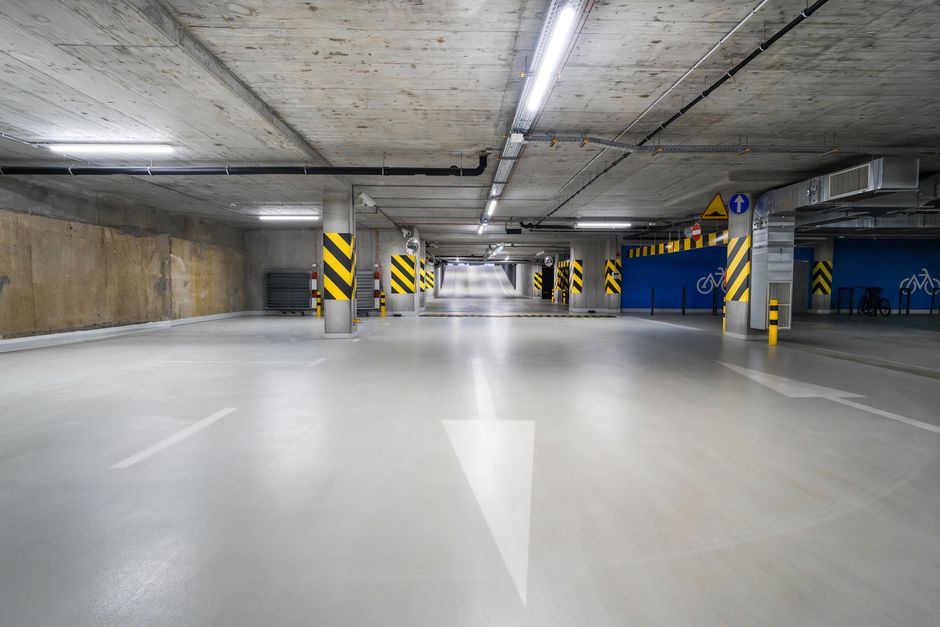
Parking, Reimagined for Everyone
Everything you need to discover, compare and use parking — in one smarter platform.
Nearby Parking
Find parking locations based on your current location, with distance-aware discovery.
Easy Discovery
Explore parking locations on an interactive map and filter by what matters to you.
Parking Information
View parking details, availability, pricing, amenities and location before you go.
Flexible Parking Options
Free, Paid, Prepaid and Premium parking options to suit different needs and budgets.
Easy Booking
Book eligible paid parking directly from the OnePark app, where supported.
Smart Check-in & Check-out
Use QR-based parking check-in and check-out where supported for a seamless experience.
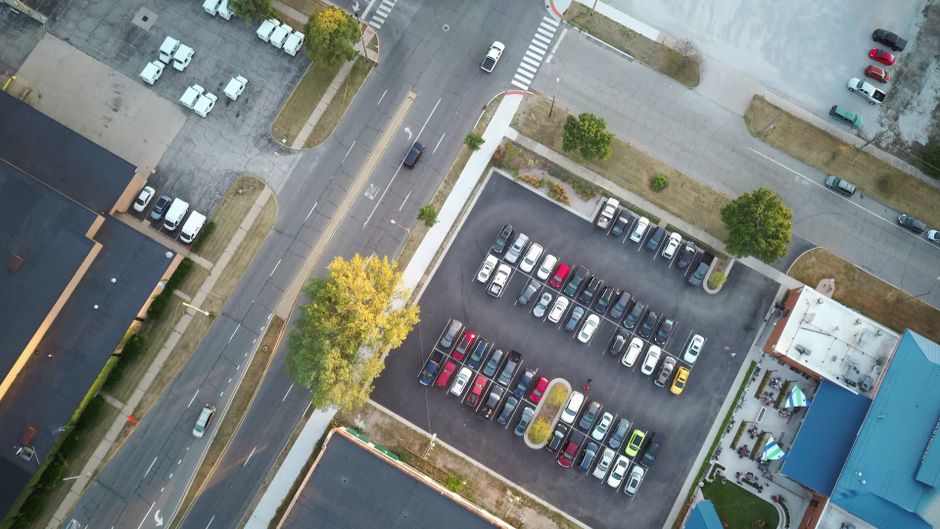
One Platform for Smarter Parking
OnePark is designed to make parking easier for both parking users and parking owners. We bring parking discovery, parking information, booking, digital check-in/check-out and parking management into one unified platform.
Whether you are searching for nearby parking or managing a parking facility, OnePark connects the entire parking experience — from discovery to check-out — in a single, thoughtfully designed system.
- Parking discovery and nearby search
- Transparent parking information and pricing
- Digital booking and QR-based check-in/check-out
- Parking management tools for parking owners
Parking in Twelve Simple Steps
From opening the app to parking your vehicle and checking out — here is the full user journey.
Open OnePark
Launch the OnePark app on your device.
Login or Sign Up
Login, sign up, or continue as a guest where supported.
Set Your Location
Allow location access or choose a location manually.
View Nearby Parking
See parking locations around you on the map.
Filter by Category
Narrow results by Free, Paid, Prepaid or Premium.
View Parking Details
Check availability, pricing, amenities and location.
Book Eligible Parking
Book eligible paid parking from the app.
Reach the Location
Navigate to your selected parking location.
Scan the QR Code
Scan the Parking Owner's OnePark QR code at entry.
Check In
Confirm your check-in through the OnePark app.
Park Your Vehicle
Park your vehicle in the designated area.
Check Out
Check out via the app. Additional charges, if any, are settled per booking rules.
Four Ways to Park with OnePark
OnePark supports four parking categories, each with different pricing and availability characteristics.
Free
Parking that does not charge the user for parking, according to the parking listing and applicable rules.
Paid
Parking where the user pays according to the applicable parking pricing. A booking does not automatically guarantee availability until arrival.
Prepaid
Parking where the user pays in advance, with reservation and availability handled according to OnePark's applicable prepaid rules.
Premium
Premium parking with additional services and availability features according to the applicable OnePark premium offering.
Availability guarantees apply only to eligible Prepaid and Premium parking, subject to the applicable OnePark rules and parking configuration. Not all parking under every category has guaranteed availability.
Discover Parking Around You
OnePark helps users discover parking locations around their selected or current location. The app can show nearby parking based on geographic distance, so you always know what is available nearby.
- Use your current location
- Change or search for a location manually
- View nearby parking and filter by category
- See distance and open parking details
- Navigate to the parking location
Availability and distance can change based on real-time conditions and the user's location.
Transparent Information, Easy Booking
Know what you are getting before you arrive, and book eligible parking with confidence.
Parking Details
Eligible parking listings can provide information such as:
- Parking name and images
- Available slots and pricing
- Amenities and parking category
- Parking location and contact information
- Booking option where applicable
Booking
How booking works across categories:
- Book eligible paid parking from the app
- Paid parking bookings do not guarantee a slot until arrival
- Prepaid and Premium availability guarantees are subject to applicable OnePark rules
- Guest users may explore, but login is required before booking where required
Seamless Entry and Exit with QR
Parking Owners place a OnePark QR code at the entry point. Users scan, check in, park, and check out — all through the app.
QR Code at Entry
The Parking Owner places a OnePark QR code at the check-in point.
Open Booking
User opens OnePark and selects the active booking.
Scan QR
User scans the Parking Owner's OnePark QR code.
Check In
Check-in is confirmed. The owner sees the status in their app.
Park Vehicle
User parks their vehicle in the designated area.
Check Out
User checks out via the app. Additional charges, if any, are settled per booking rules.
Owner Visibility
The Parking Owner can see check-in and check-out status in real time.
Digital Records
All check-in and check-out activity is recorded digitally.
Everything You Need to Park Smarter
Discover, compare, book and check in to parking — all from one app.
Location-Based Discovery
Find parking near you or search for a location manually.
Interactive Map
Explore parking locations on a map and filter by category.
Easy Booking
Book eligible paid parking directly from the app.
QR Check-in
Scan the Parking Owner's QR code to check in.
QR Check-out
Check out through the app and settle any additional charges.
Transparent Details
View pricing, amenities, availability and location for each parking.
Grow Your Parking Business with OnePark
OnePark can help parking owners manage their parking operations — from listing to check-out.
Owner Onboarding
OnePark can collect parking information including:
- Parking display name (customer-facing) and description
- Parking category, address and location
- Vehicle types, capacity and pricing
- Amenities, operating hours and parking images
- Required documents and KYC information
The internal unique parking identifier is generated by the system and is not manually entered by the parking owner.
Location Capture
Parking location can be captured using:
- "Use Current Location" for quick capture
- "Search / Enter Address" for manual entry
- Location confirmed on a map
- Address and geographic coordinates maintained separately
Owner Management Capabilities
Parking Profile
Parking Info
Location
Category
Capacity
Vehicle Types
Pricing
Amenities
Operating Hours
Parking Images
Booking Mgmt
QR Code
Customer Info
Earnings / Wallet
KYC
Notifications
Features may vary based on OnePark configuration and availability. Not all features may be available in all regions or plans.
Built for the Future of Parking
OnePark brings digital tools and smart operations to the parking experience.
QR Check-in & Check-out
Digital QR-based entry and exit where enabled, for a contactless parking experience.
Digital Parking Records
Booking, check-in and check-out activity is recorded digitally for transparency.
Parking Availability
View available slots where supported, to help plan your parking ahead.
Parking Management
Owners can manage profiles, pricing, capacity and bookings from one dashboard.
CCTV / Live Monitoring
Selected Premium parking facilities may offer live vehicle/parking monitoring where supported.
Smart Operations
Digital workflows that streamline discovery, booking, check-in and check-out.
Parking with Transparency and Control
OnePark is designed to give users clear information and digital tools for a more convenient parking experience.
Parking Information
Access parking details, pricing, amenities and category before you decide where to park.
Location Transparency
View parking location and distance so you know exactly where you are heading.
Digital Booking Records
Bookings are recorded digitally, providing a clear history of your parking activity.
QR Check-in & Check-out
Digital check-in and check-out create a structured, traceable parking session.
Owner Information
Parking owner details and contact information are available where provided.
Secure Account Handling
OnePark uses account-based access to help protect your parking activity and information.
Frequently Asked Questions
Answers to common questions about OnePark.
Get in Touch
Have a question about OnePark? We would love to hear from you.
Contact Information
Discover Smarter Parking from Your Mobile Device
Download the OnePark app and start discovering nearby parking, booking eligible slots, and checking in with QR.